
Create 3 - Locating Resources

Post in your blog: The three objects (including links) to the resources located above and give proper citations.
Locate:
  1. One online image designated as an open educational resource. 
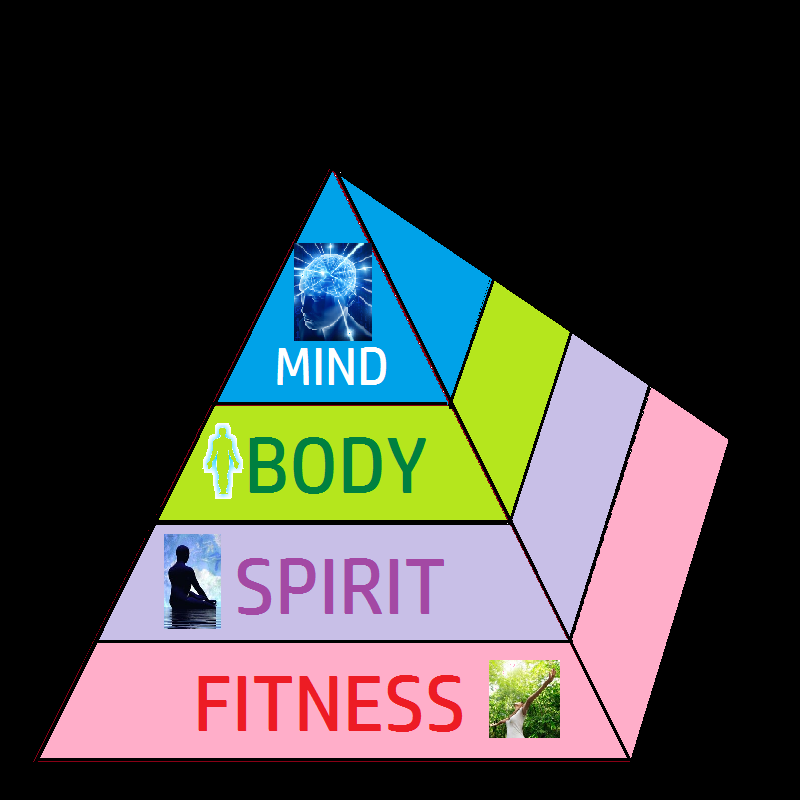
  2. One online text object designated as an open educational resource. 
  3. One online video designated as an open educational resource.

  1. One online image designated as an open educational resource.  Image result for health and wellness
  2. One online text object designated as an open educational resource. https://pitt.libguides.com/openeducation/biglist
  3. One online video designated as an open educational resource.  https://www.youtube.com/watch?v=Og1rHFoBL-Q


The three objects (including links) to the resources located above and give proper citations.

  1. “OER - Open Educational Resources: Big List of Resources.” LibGuides, 22 Mar. 2019, 5:28, pitt.libguides.com/openeducation/biglist.
  2. Ukn, Ukn. “Health and Wellness Pyramid.” Free Photos and Images, Good Free Photos, www.goodfreephotos.com/public-domain-images/health-and-wellness-pyramid.png.php.
  3. CROSS, UNK, director. Health & WellnessYouTube, 2012, www.youtube.com/watch?v=Og1rHFoBL-Q.

Comments

Popular posts from this blog

Evaluate 1 - Summative Assessments

Answer in your blog : What process was used to determine the validity, reliability, and security of the assessment? What was the result? Security  Below are examples of health assessments I created.  The students will be required to turn on a webcam to complete the assessment and ensure security.  It will only be opened for a limited time during scheduled class block.  Students will be required to illustrate a picture of unsafe CPR administration and scan the drawing or take a picture of the drawing and email it for grading (prior to class end time).    Reliability An online live assessment will be administered.  Student will be required to join the quiz at a designated time.  The quiz will be timed and the results will be posted for me to examine. Also the individual student test report will be accessible to the student.  Accommodations (based off the students IEP) will be provided for students who need additional time....

Navigate 2: Roles: Learning Management System and Student Information System

Explore : Consider the role of teacher, facilitator, course developer, instructional administrator and LMS administrator. Explore the various roles and responsibilities within the online learning community. Create : Using the information from this lesson, create a digital resource that highlights the various roles in a learning management system.

Create 4 - Learning Object Authoring Tools

An explanation  as to how learning tools can  be used in an online classroom is provided below: Dipity by Dipity:   Is an excellent tool for developing educational timelines. Users have the antonym to develop lesson plans thus allowing more flexible schedule.  Timelines will come alive with the use of visual aids and audio aids.   Dipsters  can incorporate  social media into their outline, using current updates. https://www.timetoast.com/timelines/dipity-online-timeline   2.   Quizizz--Quizizz is an interactive online gaming assessment learning tool.           Users are able to post quiz and access other quizzes to test their knowledge.      Also students can use this app to test their knowledge while competing with        others.   https://quizizz.com/  What features should an online teacher look for in a learning object tool? ...